
This article was created with the AI assistant Claude and published by Peter Hoenig.
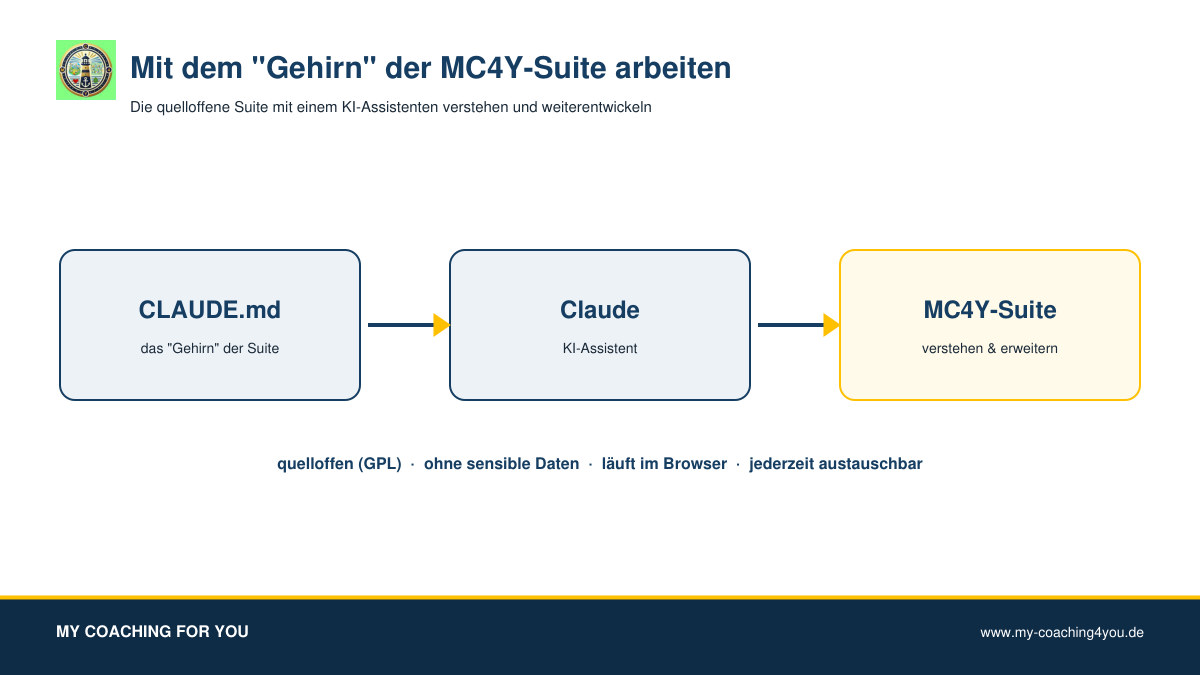
The MC4Y Suite is open source (GPL-3.0 licence). I have captured every tool and module in a single, structured file – together with the AI assistant Claude, which I use to build the suite. I jokingly call this file „the brain“. I make it available so that you can understand and extend the suite with an AI assistant – without any access to my private data.
At a glance
- The „brain“ is a documentation file (in Markdown format): it describes every tool and module – purpose, data formats, build and test steps, design rules and what has already been tested.
- No sensitive data: no customer data, no credentials, no server or network details, no private documents – only the public, technical description.
- For the community: you give the file to an AI assistant such as Claude as context and have it explain the suite, adapt tools or build new ones.
- Always current: I keep the „brain“ up to date. For larger changes I simply swap out this one file under Downloads – this article stays valid.
- Open source and free of charge (GPL-3.0): whatever you build with it remains yours.
What is the „brain“?
An AI assistant accompanies me during development. So that it has the whole suite „in mind“, I keep a detailed project file: which tools exist, how their files are structured, which scripts build and test them, and which conventions apply. It is exactly this description – stripped of all private details – that I provide as the „brain“. It is not a program but knowledge in text form: the map of the suite.
What you can do with it
- Understand: „How does the Kanban board work? Which fields does an invoice have in the accounting tool?“ – the assistant answers from the „brain“.
- Adapt and extend: have a feature added to a tool or a new tool built in the same style – following the same rules I keep to.
- Realise your own ideas: from a small extra field to a module of your own.
How to work with it
- Download: download the source code of the suite and the current „brain“.
- Give it to the assistant: open an AI assistant such as Claude and give it the „brain“ as project context or project instructions.
- Describe your goal: say in your own words what you want to understand or change.
- Build and check: the assistant explains or changes the code according to the conventions. You build the result with the Python scripts described and check it.
The process is tuned to Claude; other assistants work in a similar way, but the results may differ.
The rules in the „brain“
So that everything fits together, the „brain“ records the same principles by which the suite is built:
- Runs in the browser, no external libraries, no cloud – every tool is a self-contained file.
- Privacy-friendly: the data stays with the user; nothing is transferred unnoticed.
- Bilingual German and English.
- A shared build and test process with small Python scripts, a version stamp and tests.
- No invented facts, trademarks used only descriptively; the coaching models are models for reflection and conversation, not diagnostic tools.
- No sensitive data in the „brain“ – neither mine nor anyone else's.
Always the current version
The „brain“ is a living document. When I extend the suite, I update only this file – before a larger project you simply download the latest version. You do not need to read this article again for that; it stays valid unchanged.
Join in
The MC4Y Suite thrives on being tried out. If you build something that helps others, I would be glad to hear about it – write to me. Whatever you develop, you may pass on freely under the GPL.
Claude is a service by Anthropic; the name is used only descriptively. Similar AI assistants can be used in the same way.
Thinking further
You can find more on this topic under the 8-Level Model – or talk to me directly in a free initial consultation.